Your next meeting, up front. Join Zoom, Teams, Meet or Webex in one click.
NewClipboard, Control Center, PomodoroNew in 1.5: Clipboard, Control Center, Apps and Pomodoro.See all modules
SideGlass
Everything that matters.At the edge of your Mac.
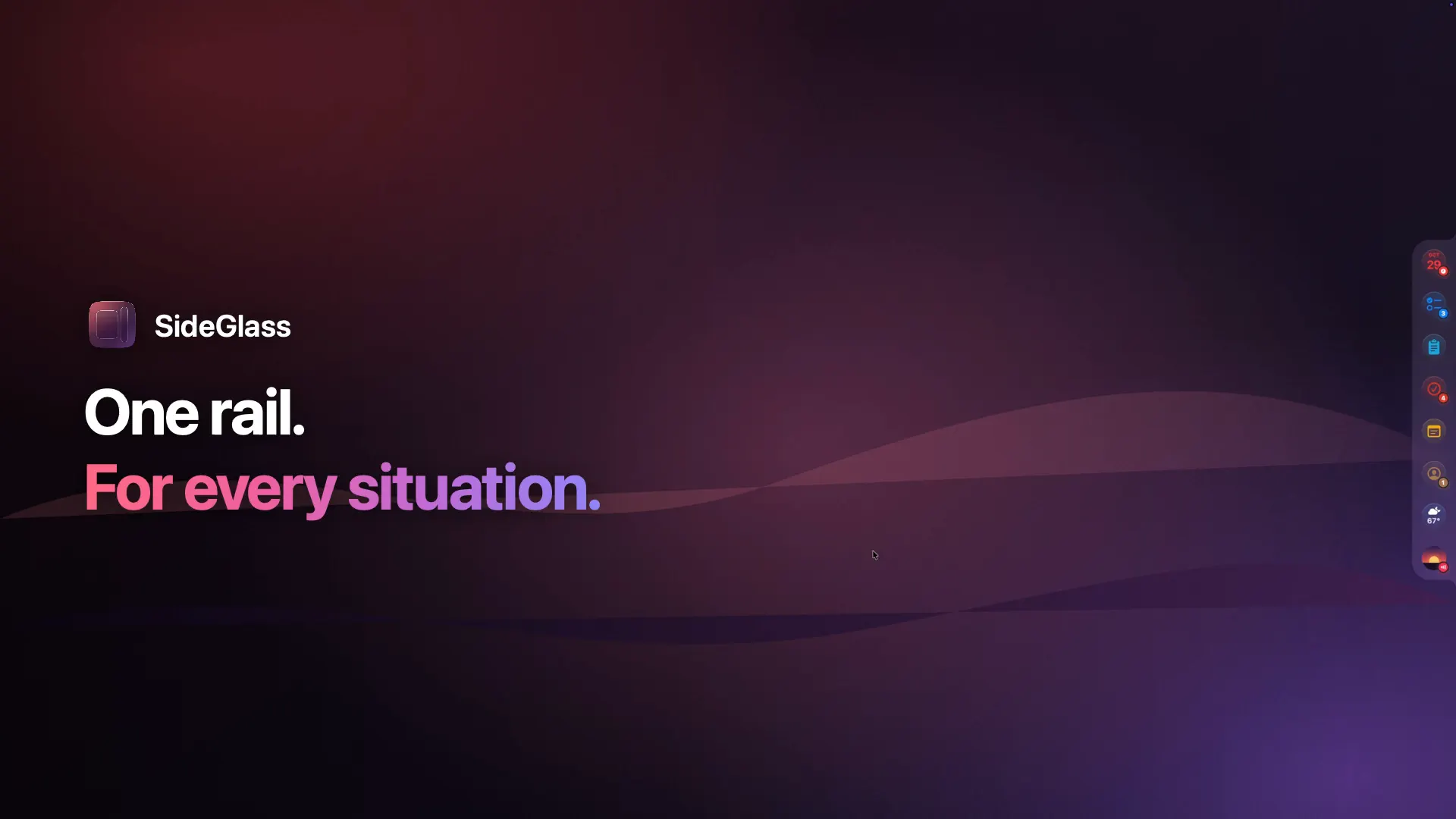
A slim rail at the edge of your screen. Move your mouse over it, and music, events, tasks, builds and notes open as a card. No switching windows. No searching.
macOS 14 Sonoma or later · English and German

How it works
One move.
No switching windows.
SideGlass sits at the edge of your screen – left, right, at the top beneath the menu bar or at the bottom. It takes no space away and is there the moment you need it.
Try it: hover over the rail, click to pin a card, press Escape to close it.Try it: tap an icon in the rail.
Apple Music & Spotify
Your music.
Without hunting for the app.
Artwork, title and controls, one move away. The rail icon shows the artwork, and a tiny equalizer dances while music plays.
Three looks. Artwork, Vinyl with a spinning record, and Compact.
Scrub, shuffle, repeat. Drag to any point in the track, with shuffle and repeat right by the controls and Up Next from the playlist.
Beneath the notch. At the top of a MacBook, a mini player fills the gap.
Spotify, too. The same player in Spotify green – and each one can hide while its app is closed.
For developers
Your agents, PRs and builds.
Always in the corner of your eye.
A terminal with Claude Code and Codex, your local servers, pull requests from GitHub and builds from Xcode Cloud. The icon tells you when something needs your attention.
Terminal with agents. Real login shells, up to eight in tabs. While Claude Code or Codex runs, each tab and the icon show Working, Needs input or Done – even with the card closed.
GitHub without a tab. Review requests, your own and assigned PRs, open PRs across your organizations, CI status, comments and commits. With a token or the GitHub CLI.
Xcode Cloud at a glance. Every product on your account through the App Store Connect API. A ring shows running builds, red a failing workflow.
Write & plan
Notes and tasks,
edited right there.
Bear notes open in an editor that styles Markdown as you type – just like Bear. Tick off tasks from Todoist and Reminders with a click.
Styled as you type. Headings, bold, italic, highlights, tasks and tags – saved as plain Markdown.
Nothing overwritten. If the note changed in Bear meanwhile, SideGlass asks first.
Todoist, complete. Daily goal, quick add in Todoist's own syntax, and undo.
Events, just typed. “Dentist tomorrow 3 pm” goes straight into your calendar – Notes, Calendar and Reminders need no account.
Modules
29 modules.
Your call.
Turn on what you need, reorder with drag and drop and leave the rest out – hidden modules wait in a group of their own. Every module has its own settings.
Plan your day
Info and media
Tools
Design
Built like a piece of macOS.
Tuned like yours.
One shared glass surface, a damped spring for every move and content that appears in sequence. And almost everything can be adjusted.
Left, right, top or bottom
At the top the rail sits centered beneath the menu bar like a notch, at the bottom like a dock. Or it floats with a little space around it.
Four sizes
Rail and card sized separately: Small, Default, Large and Extra Large.
Glass your way
From Clear to Solid. With a light edge and ambient glow in the module's colour.
Colour or monochrome
Monochrome also takes the colour out of artwork and status marks. Icon backgrounds and badges can be turned off.
Spacing and width
Icon spacing in four steps, Notes and Bear in three card widths.
Haptics and calm
A tangible snap on Force Touch trackpads. “Reduce motion” and “Reduce transparency” are respected.
- Multiple displays
- Mini player beneath the notch
- Spinning record while playing
- Light and dark
- Floating rail
- Auto-hide
Privacy
Your data is yours.
Period.
SideGlass shows what's already on your Mac. What goes out is up to you – module by module.
Stays on your Mac
SideGlass reads Calendar, Reminders, Contacts, Notes, Music, Spotify, Bear and the shelf right on your Mac, and your clipboard history never leaves it. No account with us, no cloud in between.
Keys in the keychain
Access for Todoist, GitHub, Bear and Xcode Cloud lives in your Mac's keychain – nowhere else.
Only what you connect
SideGlass only talks to the services you turn on. Stocks sends nothing but your watchlist's symbols to Yahoo Finance. The assistant uses Apple's on-device model; Private Cloud Compute only if you allow it.
Weather without precise location
For the forecast, only coordinates rounded to about one kilometre go to Open-Meteo – or a fixed place you choose.
Which plan is right for you?
Try every module for 14 days – no account, no payment details. Then pick the plan that fits, monthly or yearly.
Includes
- Calendar
- Reminders
- Contacts
- Notes
- Apple Music
- Spotify
- Weather
- Clock
- Batteries
- Calculator
- Timer
- Control Center
- Apps
Recommended
SideGlass Plus
Your services, your Mac and the assistant
$4.99 per month
Cancel any month
Choose PlusEverything in SideGlass Basic, plus
- Todoist
- Things
- Bear
- RSS
- Stocks
- System
- Shelf
- Assistant
- Voice Notes
- Translator
- Pomodoro
- Clipboard
Everything in SideGlass Plus, plus
- Terminal
- GitHub
- Xcode Cloud
- Localhost
Every plan includes
- 14-day trial with every module
- All updates while subscribed
- English and German
- Signed and notarized by Apple
Payments are handled securely by Lemon Squeezy, including invoices and VAT. Switch plans or cancel any time in the customer portal.
Questions? Answers.
What does SideGlass need to run?
macOS 14 Sonoma or later. The assistant with Apple's language model additionally needs macOS 26, Apple silicon and Apple Intelligence turned on – every other module runs without.
Which permissions does SideGlass need?
Only those of the modules you turn on: Calendar, Reminders and Contacts, control of Music, Spotify and Notes, location for the weather (or a fixed place), the microphone for voice notes and Bluetooth for Control Center. SideGlass asks only when you connect a module, and Settings › Permissions shows them all at a glance.
Does SideGlass launch apps on its own?
No. Hovering never starts Music or Spotify, and SideGlass only asks Bear while Bear is running. Only Notes may be opened invisibly in the background if you want – and you can turn that off. The Apps module opens an app only when you click it.
Does SideGlass work with multiple displays?
Yes. Pick the display in the settings. If it's disconnected, the rail moves to the main display for the time being.
Why isn't SideGlass on the App Store?
The terminal with Claude Code and Codex needs access the App Sandbox doesn't allow. So SideGlass comes directly from us – signed with Developer ID and notarized by Apple.
Can I try SideGlass first?
Yes. For the first 14 days every module is open – no account, no payment details. After that, the modules of your plan stay open; the others wait with a lock and keep their settings.
Which plan do I need?
Basic ($1.99 a month) covers the apps on your Mac: Calendar, Reminders, Contacts, Notes, Apple Music, Spotify, Weather, Clock, Timer, Batteries, Calculator, Control Center and Apps. Plus ($4.99) adds Todoist, Things, Bear, RSS, Stocks, the system monitor, the shelf, the assistant, Voice Notes, the translator, Pomodoro and the clipboard. Pro ($8.99) adds the developer tools: the terminal with tabs for Claude Code and Codex, Localhost for your local servers, GitHub and Xcode Cloud.
How do I manage my subscription?
Through Lemon Squeezy's customer portal: switch plans, change your payment method, download invoices or cancel. You'll find the link in your confirmation email and in SideGlass under Settings › Subscription.
Can I use SideGlass on more than one Mac?
A license key works on one Mac at a time. To switch, sign out the old Mac under Settings › Subscription and enter your key on the new one.
Fewer windows. More overview.
Get SideGlass and keep everything that matters at the edge of your Mac.
macOS 14 Sonoma or later